Topic: WebPlus to HTML not WYSIWYG
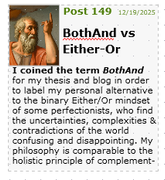
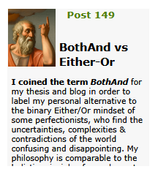
Many years ago, when I started using Serif PagePlus and WebPlus, a major attraction was the promise of WYSIWYG : what you see in the app is what you will see on the webpage. That was true to some extent, but I've always been disappointed to learn that HTML was designed for strings of text, not for traditional paragraphing. Hence, pages created on PagePlus typically looked good. But on WebPlus, the paragraphs are either ragged (left align), or forced-to-fit by adding space between words (justified). Consequently, when I export to a browser, what I get is not what I saw in the app. The bottom line is that the pages do not look neat & trim like printed pages. And the bottom line is often chopped-off by the text box. I assume this is not news to longtime users. So, they may just accept the raggedness as inevitable.
However, being a perfectionist, I have labored mightily to manually add & subtract word & paragraph spaces, or to replace longer words with alternatives just to make the paragraph look right, or to squeeze the text box just the right amount, in hopes of making the webpages look professional. (Note : I am not a professional) But I'm hoping that someone has discovered a less laborious method for producing pages comparable to magazine text. I'm not in a position to buy Affinity or WordPress or other alternatives. Does free Quill work with WebPlus? What's your cheap trick for making HTML look like WYSIWYG?