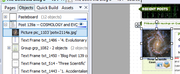
There’s probably something covering the area that should be clickable. Please share your *.wpp file or a cut-down version of it, or at least attach a screenshot showing the layer structure.
Thanks Alfred,
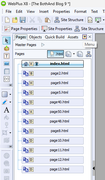
I hope screenshots will be sufficient to illustrate how the Show-Hide for a hidden text box is setup. I don't know how to copy the HTML for only this one page. I can't find anything covering the visible or hidden text boxes. The "click here for popup" is in front of the graphic arrow. I don't know how to show the Layer Structure.
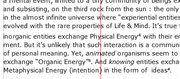
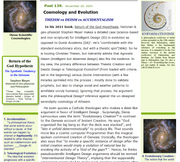
A. Image "WebPlus X8" is a screenshot of the hidden text box with a graphic arrow and a text box set to popup the hidden text.
B. Image "show hide text 1568" is where I used a Text Box to popup a hidden Text Box.
C. Image "text frame action" is the CSS setting for Visibility from the Show Hide text to the Hidden text.
D. Image "btn_44" was just a quick attempt for an alternative to the Text Box. It didn't work either.
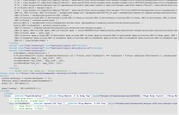
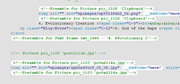
E. Image "click show hide" is the section of HTML that includes the Arrow, Text Box, and Button.
A. Web-Plus-X8 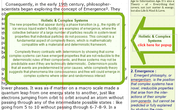
B. Show-Hide-Text-1568 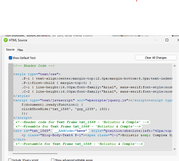
C. Text-frame-Action 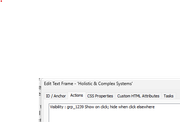
D. btn-44-grp-1239 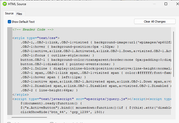
E. click-show-hide